


Every unapproved connection from an AI agent is a potential data-exfiltration path or audit exception. AI agent allowlisting gives security and platform teams a deny-by-default control plane for constraining agent egress, tool use, and delegated authority.
Book a demo to operationalize identity-aware agent authorization with Vouched.
AI agent allowlisting is a deny-by-default security control that permits an agent to connect only to explicitly approved destinations, tools, and data resources. Mature implementations combine destination controls with verified agent identity, scoped authorization, continuous trust evaluation, auditable policy decisions, and immediate revocation when risk changes.
What is AI agent allowlisting?
AI agent allowlisting is a security step that limits where an AI agent can go on the web. It creates a list of approved places, like specific websites or server addresses. By using this list, you make sure the agent only talks to trusted tools. This method stops the agent from making calls to unknown or risky sites. It is a key part of keeping your data safe when using smart tools.
How allowlisting protects agentic workflows
Most AI agents need to connect to outside tools to do their jobs. But if an agent is not controlled, it might send data to the wrong place. AI agent allowlisting acts as a digital fence. It only lets the agent pass if the target is on your pre-approved list. This helps teams lower the risk of data leaks and keep their work private. It also makes it easier to track what the agent does each day.
A good plan for agent safety uses multiple layers of defense. This often means linking network-level controls like allowlisting with deep identity checks. By doing this, you ensure that only the right agents can access specific data. It also stops an agent from being tricked into talking to a hacker's server. This type of control is vital for companies in fields like finance and healthcare.
Allowlisting vs. blocklisting
There are two main ways to control where an AI agent goes. Blocklisting tries to stop an agent from visiting known bad sites. But hackers create new bad sites every day, so blocklists are often out of date. Allowlisting is a much safer choice for AI. It starts by blocking everything and then only opens doors to a few trusted spots. This "deny by default" rule is better for managing access permissions in busy systems.
Allowlisting gives you more control than a blocklist can offer. With a blocklist, you are always playing catch-up with new threats. With an allowlist, you decide exactly which tools your agent can use from the start. This makes your security much stronger. It also helps your team follow strict rules about how they handle and share data. Using a list of allowed sites is the best way to keep your AI agents on the right path.
The shift to identity-aware egress
Old ways of allowlisting often used IP addresses. But many new AI agents run on cloud systems where IP addresses change all the time. This makes standard firewalls hard to use. To fix this, teams are moving toward identity-aware egress filtering. This method checks the identity of the agent before letting it send data out. It ensures that the agent is who it says it is before it talks to a new service.
Moving to this new style of identity-aware egress filtering is needed for keeping control as agents grow. It links the network rules to the actual identity and permissions of the AI. This means you can set rules based on the specific task the agent is doing. You can find more help on configuring security policies in our technical guides. This approach keeps your systems safe even as your AI tools become more complex.
How to build an AI agent allowlist
Build an AI agent allowlist by inventorying agent workflows, mapping required destinations and tools, validating the identity and owner behind each agent, and encoding narrow policy rules. Test policies in observe-only mode, enforce deny-by-default access, monitor every decision, and define revocation triggers before production rollout.
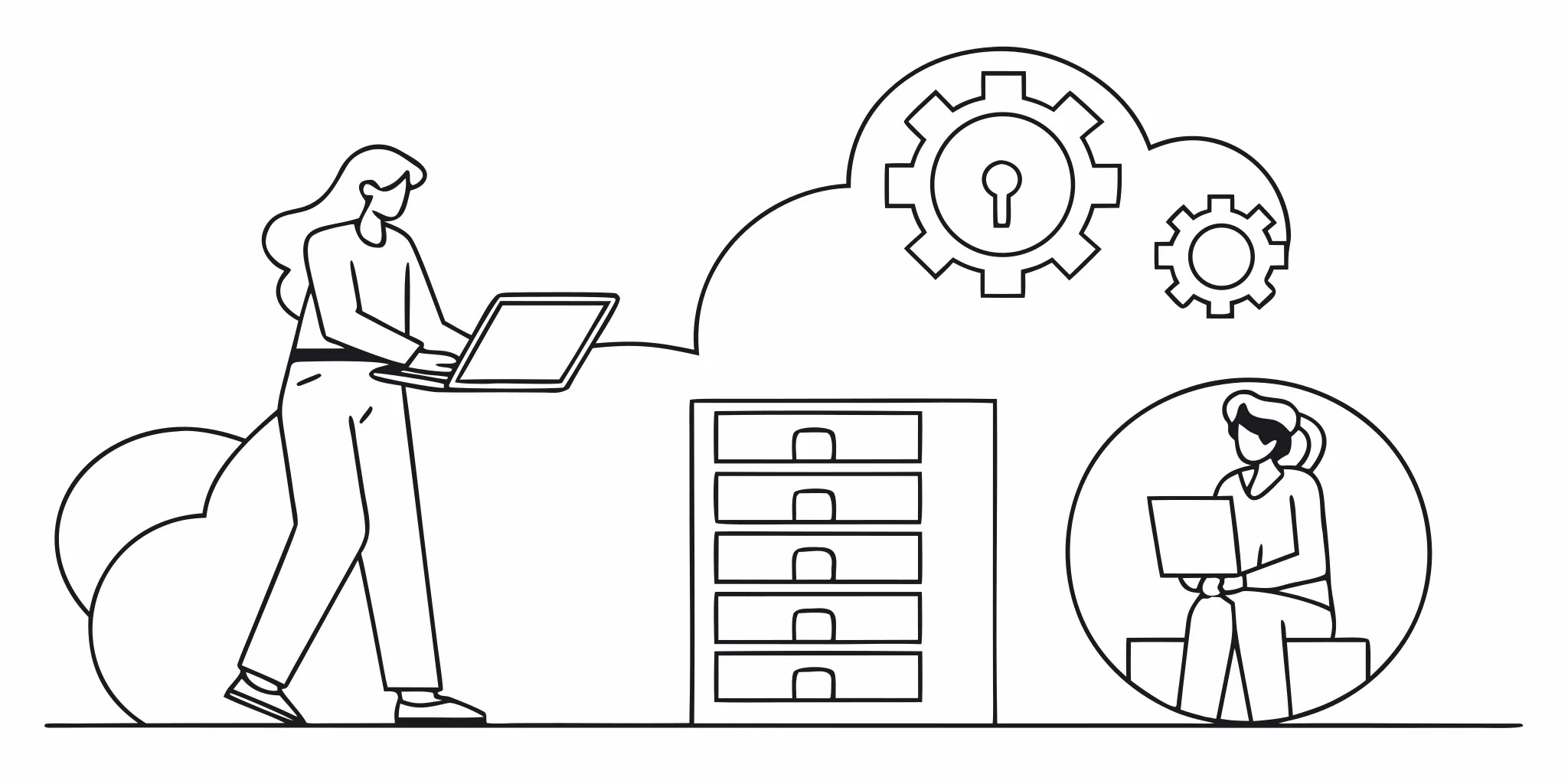
Building an AI agent allowlist is a key step for safe AI use. This tool lets you choose which services an agent can reach. It stops agents from making bad calls to the web. By picking only trusted sites, you lower the risk of data leaks. This is vital for firms in health or finance where safety is first.
Old safety rules often fail with AI. Agents move fast and use many tools at once. Most agents do not have a set IP address. This makes it hard to use a normal firewall. To fix this, you should use identity-aware filtering. This check looks at who the agent is, not just where it sits. NIST research shows that we must change our old ways to keep agents safe.
- Link to a person. Every agent must link back to a real person. You need to know who is in charge of the agent's work.
- Give the agent an ID. Give a unique name or token to each agent. This helps you track what each one does.
- State the goal. Define the exact task the agent needs to do. Do not give it more power than the task needs.
- Pick the tools. List the API calls and web sites the agent can use. Block everything else by default.
- Set a time limit. Give the agent access for a short time. Stop the access once the task is over.
Identify the human behind the agent
A good list starts with a person. You must prove who owns the agent. This is a core part of Know Your Agent (KYA). When you know the person, you can set better rules. It also helps if the agent makes a mistake. You will know who to talk to if the agent does something wrong.
This link is key for trust. In a busy office, many people use many agents. You need a way to see which person sent which bot. This creates a chain of trust from the user to the tool. It keeps your data safe from bots that show up with no owner. Using a strong system for managing access permissions is the best way to start.
Define granular agent permissions
Agents should only have the power they need. This is the rule of least privilege. If an agent only needs to read files, do not let it write them. If it only needs one site, do not let it see the whole web. This small scope keeps your systems safe even if a bot is hacked. It stops a small bug from turning into a big breach.
You can set these rules by the task. Each job should have its own set of allowed sites. This is much better than one big list for all bots. It lets you be precise with your safety. You can watch for odd acts that do not fit the job. If a bot tries to use a new tool, your system should block it and send an alert.
Set up a dynamic audit trail
You must keep a log of every move. A good list is not just about blocking. It is also about seeing. You need to know which sites the agent went to and what it did there. This log should be hard to change. It acts as a history of the agent's life. This helps with law and rule checks in big firms.
Static rules are not enough for smart bots. You need to watch how they act over time. This helps you find bots that are acting in a strange way. If a bot starts to act odd, you can kill its access right away. A clear log makes it easy to fix bugs and stop attacks. It proves that your AI is following your rules at all times.
Design least-privilege permission scopes
Securing AI agents starts with the rule of least privilege. This rule means giving an agent only the tools and data it needs to do its job. For a complex system, this needs more than just a simple password. You must set clear limits on what an agent can see and do. By using AI agent allowlisting and fine-grained controls, you reduce the risk of a security breach. If an agent is hacked, these tight scopes limit the damage it can cause.
Define action and tool limits
The first step is to list every task an agent must perform. You should then map these tasks to specific tools like data files or API links. Instead of giving an agent full access to a database, you grant access only to the rows or tables needed for its work. This fine control is a key part of modern security. It ensures that an agent cannot stray into private areas that are not part of its role.
When you add new tools or skills to an agent, you must check and record each one. This process stops "scope creep," where an agent slowly gains too much power. NIST research highlights that applying identification and authorization controls is vital to stop agents from misusing data. By keeping scopes small, you make it easier to track what the agent does and why.
For example, a travel agent should be able to view flight status but not read HR files. You can enforce this with a policy that links the agent's identity to a specific set of tools. Using the KYA-OS standard helps verify that the agent is who it claims to be before it touches any data. This link ensures that the agent stays within its lane.
Set context-aware action limits
Least privilege is not just about what an agent can do, but how much it can do. You should set limits on the number of actions an agent can take within a certain time. For example, a support agent might be able to refund $50, but it should not be able to refund $5,000 without a human check. These limits act as a safety net against errors or bad hacks. They ensure that a small mistake does not turn into a large loss for your firm.
Your system should also look at the context of each request. Is the agent acting during its normal work hours? Is it calling a service from a known site? Adding time and location limits makes your security much stronger. Effective managing access permissions allows you to adjust these rules as your needs change. You should also set delegation limits to control when an agent can pass tasks to other agents.
Use identity-aware egress rules
Old firewalls often fail to protect AI agents. Many agents run in serverless clouds that do not have a fixed IP address. To fix this, you should move from old IP rules to identity-aware egress rules. This method checks the identity of the agent before it can connect to an outside service. It ensures that only trusted agents can make outbound calls to approved sites.
Combining network-level controls with app-layer identity creates a strong defense. This "defense-in-depth" approach means that even if one layer fails, others are there to block the threat. You should also set up ways to revoke access quickly. If you find an agent acting in a strange way, you must be able to cut its access right away.
Regular reviews of these scopes help you stay ahead of new risks. You should also use tamper-evident audit trails to log every tool call. These logs provide a clear history of how agents use their power. By checking these logs often, you can find and fix gaps in your permission design.
From coarse allowlists to contextual authorization
Traditional security often uses simple lists to block or allow traffic. For AI agents, these basic lists are not enough. Standard managing access permissions often fails because agents move between many servers and have changing IP addresses. Static rules cannot keep up with how fast these tools act.
Limitations of coarse allowlisting
Basic AI agent allowlisting only looks at where an agent is coming from. It checks a source IP or a domain name to see if it is on a safe list. This "all or nothing" way of working is risky. If an agent gets hit by prompt injection, it might still have access to every tool on the list.
Coarse lists often lead to over-permissioning. When you allow a whole domain, the agent can reach any part of that service. This creates a large attack surface. If a service you trust has a flaw, the agent might leak data without you knowing. This is why basic lists are only a small part of a full security plan.
Modern AI agents often run on serverless platforms. These systems do not give the agent a stable IP address. This makes it hard for a firewall to trust them. Without a clear identity, a simple allowlist can stop an agent from doing its job or let a bad one in by mistake.
The power of contextual policy evaluation
Better security moves away from static rules. It uses contextual authorization to look at the whole picture. This means checking who the agent is and what it wants to do right now. It also checks which person gave the agent permission to act.
This method uses identity-aware egress filtering to watch data as it leaves. It ensures the agent only talks to services that match its current role. By linking actions to a verified human, you gain a clear audit trail. This makes it easy to prove that every agent move was lawful and expected.
The NIST identity standards suggest using deep checks to lower risks. You should look at the agent's task, the risk level, and the time of day. This way, an agent only gets the access it needs for one specific job at a time.
| Feature | Coarse Allowlists | Contextual Authorization |
|---|---|---|
| Control Basis | IP or Domain | Agent Identity and Intent |
| Flexibility | Static and rigid | Dynamic and real-time |
| Security Level | Low (Basic blocks) | High (Least privilege) |
| Risk Handling | Misses context | Finds risky shifts |
Setting up granular enforcement
To fix these gaps, teams should use granular permission scopes. This ensures each agent has the smallest amount of access needed. You can use configuring security policies to set these limits. These policies check if an agent's request matches its known duties.
Reviews of agent permissions should happen often. As tasks change, you should adjust the scopes to stay safe. Using dynamic grants means you can revoke access in real-time if you find an issue. This keeps your system resilient against new threats and keeps your team in control.
Tools like Agent Checkpoint help enforce these rules across every tool call. They use the KYA-OS protocol to add a clear identity to every talk between agents and servers. This makes every move easy to track and verify. It keeps your data safe while letting your agents work with full speed.
How should teams revoke agent access?
Teams should revoke agent access automatically when identity, ownership, authorization, behavior, or destination trust changes. Effective revocation invalidates active credentials, removes the agent from policy allowlists, terminates sessions, blocks pending tool calls, records the decision, and requires fresh authorization before access can resume.
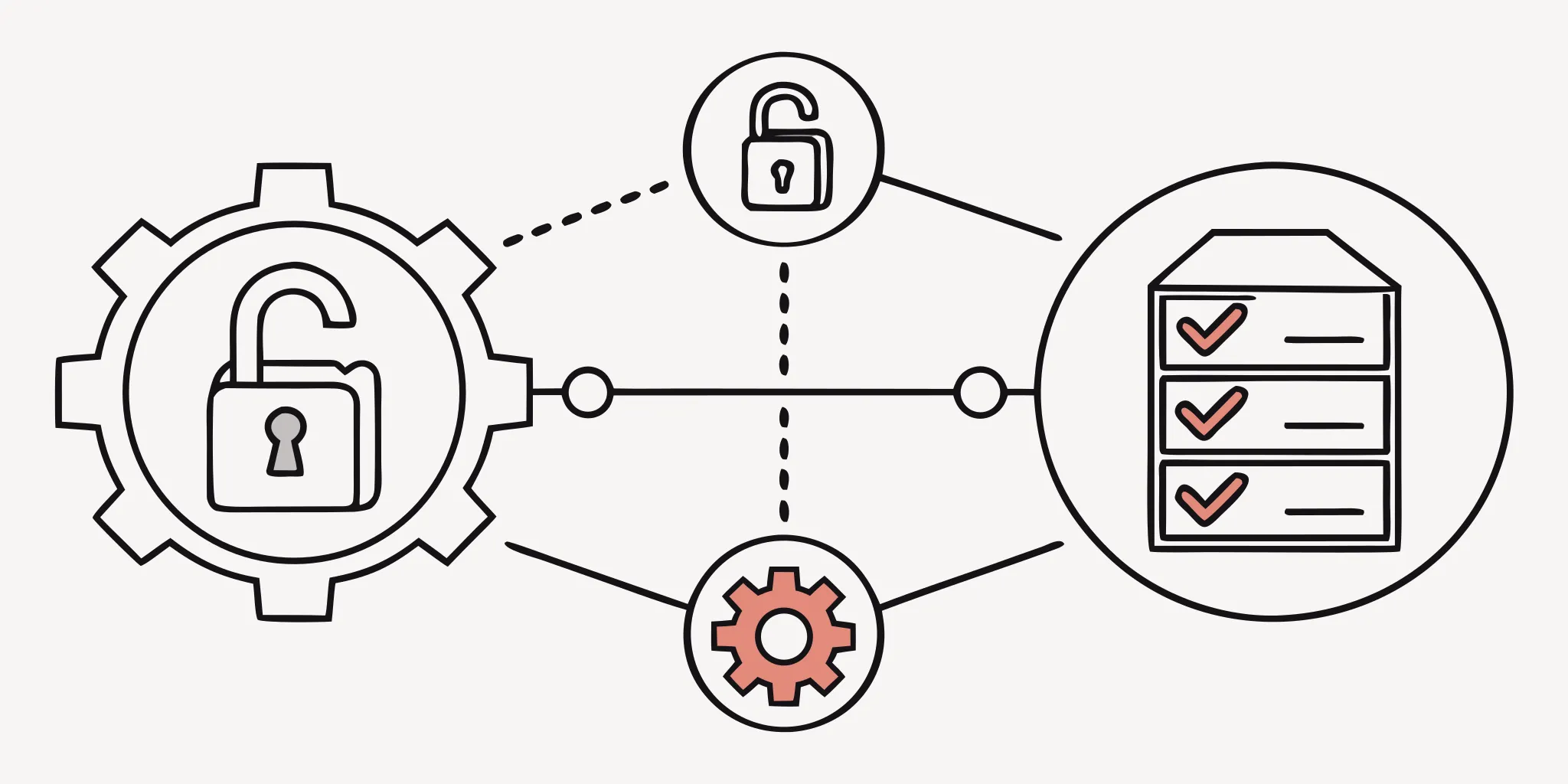
See how Vouched KYA-OS supports auditable agent identity and permissions.
Trust in an AI agent is not a one-time choice. It must be a constant state that you check in real time. If a risk level shifts or a task ends, you need to pull back access fast. This is why robust revocation mechanisms are a core part of any secure agent setup. Without a way to stop an agent, a small flaw can turn into a big data leak.
Teams should move away from static rules. Instead, use tools that look at what the agent is doing right now. This helps you catch bad moves before they cause harm. One key part of this plan is AI agent allowlisting. By setting clear paths for an agent, you can spot when it tries to go off course. If an agent tries to reach a site that is not on your list, you can cut its link at once.
Set up instant kill switches
A kill switch is a tool that lets you stop all agent acts with one click. This is vital when you find a hacked agent or a bug. Static firewalls are not enough to stop modern threats. You need a system that can kill a session based on live data. For example, if an agent starts to move too much data, the switch should flip. This keeps your managing access permissions active and safe.
You can also link these switches to threat feeds. If a new risk is found, the system can stop any agent that uses that path. This makes your defense fast and smart. It moves you from waiting for a breach to stopping one in its tracks. Effective security tools must work at the speed of the agent itself. This is a key part of cybersecurity adaptation for agents.
- Stop an agent if its task is done.
- Cut access if a user leaves the firm.
- End a session if the agent acts in a strange way.
Use short-lived keys
Long-term keys are a risk. If a key is stolen, the thief can use it for a long time. To solve this, give agents keys that die fast. These are often called short-lived tokens. When a token dies, the agent must ask for a new one. This gives you a chance to check the agent's identity and rights again. Periodic reviews of these rights ensure that the agent still has a valid reason to act.
This method fits well with the idea of least-privilege. You only give the agent the rights it needs for a short task. If the task takes longer, the agent must prove its trust again. It also makes it easier to change rights on the fly. You do not have to hunt down old keys. You just wait for the current token to die and then do not issue a new one.
Monitor for odd behavior
You cannot fix what you cannot see. Teams need tamper-evident audit trails to track every move an agent makes. These logs should show which tools the agent used and what data it touched. By looking at these logs, you can find patterns that do not look right. This might be an agent asking for more rights or trying to reach a new site.
Regular reviews are also a must. You should look at which agents still have access every week or month. If an agent is not in use, kill its access. This keeps your system lean and safe. A clean list of let-in agents is a safe list. Constant checkups ensure that your security rules stay in line with your real-world needs.
How Agent Checkpoint supports KYA governance
Agent Checkpoint extends AI agent allowlisting from destination-level controls to identity-aware authorization. It helps a service determine whether an agent is trustworthy, who authorized it, and which actions it may perform, enabling explicit policy enforcement, accountable delegation, and auditable governance across agent interactions.
Security leaders can also review Vouched's security and privacy posture, explore the KYA-OS and Know Your Agent product overview, and evaluate integration partnerships as part of platform due diligence.
Good rules are the base of trust for any AI system. Agent Checkpoint gives you the tools to set these rules through Know Your Agent (KYA) workflows. This framework helps you manage who a bot is and what it can do in your network. By using AI agent governance, you can ensure your bots act only on your behalf and stay within safe bounds.
Human linkage and proven trust
To keep things safe, every AI agent must link back to a real person. Agent Checkpoint uses the KYA-OS rules to add a short note to the start of each chat. This step finds the agent and checks the human behind it. It proves the person gave the bot the power to act. This stops bots from acting on their own without a clear lead.
This setup also supports giving power without sharing passwords. You do not need to give your main keys to a bot. Instead, you give it a small set of rights tied to your checked ID. This keeps your main accounts safe while letting the agent do its job. It ensures that every task a bot does can be traced back to a set, proven user.
Clear rights and AI agent allowlisting
Setting clear limits on what a bot can touch is vital for safety. You should only give a bot the least amount of access it needs to finish a task. NIST research shows that applying identification and authorization controls is a key way to stop risks from AI tools. Agent Checkpoint lets you set these rights with high detail.
A big part of this control is AI agent allowlisting. This safety step lets you pick which sites or services a bot can talk to. By using an allowlist, you block the bot from making calls to unknown or harmful places. This reduces the chance of data leaks. You can also change these rights in real time based on what the bot is doing and the risk level of the task.
Audit logs and policy checks
Tracking every move a bot makes is the only way to stay sure of its work. Agent Checkpoint builds tamper-evident audit trails for every tool call and API request. These logs show just what the bot did, when it did it, and which human gave it the right to act. This level of detail is needed to meet high safety standards for AI agents across all fields.
These logs do more than just record the past. They help you see how bots use their rights over time. You can use this data to find odd acts and update your safety rules as needed. Constant checks ensure that your bots stay in line with your business goals and safety rules. This keeps your whole system clear and easy to manage.
AI agent allowlisting evaluation checklist
Security and platform teams need a clear path to manage AI agent allowlisting. As agents gain more power to act on your behalf, simple blocklists are no longer enough to keep data safe. A full check of your setup ensures that every bot has a verified identity and clear limits. This process helps your team find risks before they lead to a breach.
Identity and ownership check
Start by naming every agent that enters your network. You must know who owns the agent and which human is responsible for its actions. Using a Know Your Agent (KYA) approach helps you link non-human bots to verified users. This link is vital for trust. You should also check if the agent uses the KYA-OS specification to share its identity at the start of a session.
You need to verify if the agent has a stable source. Many bots run on serverless tools that lack fixed IP addresses. If your firewall needs a static IP for whitelisting, you may need a proxy or tunnel to make it work. A clear view of the agent's source helps you block unauthorized outbound calls.
Scope and data controls
Every agent should work under the rule of least privilege. This means the bot only gets the minimum access it needs to do its job. NIST security guidelines show that tight controls prevent an agent from doing harm if it is misled by a prompt. You must set explicit permission scopes for each tool the agent can use.
Check how the agent handles data. Does it store user info in a way that meets your rules? You should list all the domains the agent is allowed to visit. This AI agent allowlisting method stops the bot from sending data to unknown sites. It is a key move to shrink your attack surface.
Revocation and audit cadence
Build a way to stop an agent fast if something goes wrong. You need a kill switch that can pull back all permissions in seconds. Safe systems have robust ways to cancel access for a compromised bot. Your team should review the list of allowed agents at least once a month. This ensures that old or unneeded bots do not stay active.
Keep a full log of every action an agent takes. Audit logs must show what the agent did, when it did it, and what data it touched. These records help you stay accountable and meet legal rules. A regular check of these logs helps you find odd behavior before it turns into a major issue.
Frequently Asked Questions
What is AI agent allowlisting?
AI agent allowlisting is a security rule. It limits an agent's access to only approved websites or IP addresses. This tool stops an agent from making bad connections. It helps reduce the risk of data leaks. By choosing where an agent can go, businesses can protect their private data from being sent to untrusted places. According to OpenAI, this rule is vital for keeping agent actions safe and following company rules.
Why do AI agents need allowlists for outbound connections?
Many AI agents run in cloud systems that do not have a fixed IP address. This makes it hard for old firewalls to keep them safe. Allowlists solve this by focusing on where the agent goes rather than where it comes from. They ensure that agents only talk to trusted sites. Using an allowlist helps prevent bad actors from using your agent to reach risky sites. As noted by experts, this is a key step in securing traffic from cloud apps.
What is the difference between allowlists and blocklists for AI agents?
Allowlists and blocklists handle safety in different ways. An allowlist lists only the specific places an agent is allowed to visit. This is much safer because it blocks everything else by default. A blocklist only stops an agent from visiting known bad sites. This leaves many unknown risks open. According to security standards, allowlisting is the best choice for high-security tasks where you must control every move an AI agent makes.
Does my AI agent need a static IP for firewall whitelisting?
Many older systems need a fixed source IP to let an agent through their firewall. However, modern AI agents often live in cloud setups where IPs change all the time. To fix this, you may need a proxy or a tunnel to give your agent a fixed address. Research shows that these tools help bridge the gap between new AI tech and the old safety rules used by large firms.
How does Know Your Agent (KYA) improve AI governance?
Know Your Agent (KYA) helps firms manage the identity and rights of AI tools. It works like the rules banks use to check people. KYA helps you find out which agent is acting and which person gave it power. It also shows what the agent is allowed to do. According to Vouched, this setup is needed to keep agents safe. It ensures that every move is tracked and fits the goals of the user.
Ready to secure your AI agent governance for the long term?
Leaving your AI systems open to any agent creates a high risk of data loss. This can damage your business and hurt the trust you have built with users. Acting now helps you set clear rules to stop threats before they cause harm. It also allows you to stay ahead of new security risks in your space. You can find more info on AI agent governance to help you build a safe place for your team. Starting now means you build a secure future for your firm today. Lead the way in safe AI with the right tools right now.
Book a demo with Vouched to design a verifiable, auditable authorization model for AI agents.